EC & Water Temperature Sensor
About the product
An EC & Water Temperature Sensor measures the electrical conductivity of the nutrient solution used to grow plants. It helps ensure that the solution contains the correct amount of dissolved salts and minerals required for optimal plant growth and health. EC Sensors for hydroponics are essential tools for hydroponic gardeners as they allow for accurate and precise monitoring of the nutrient solution's conductivity levels, which can directly affect plant growth and yield. With an EC Sensor, hydroponic gardeners can adjust the nutrient solution's composition and ensure their plants are receiving the right nutrients at the right time, leading to healthier and more productive plants.
Specification
● EC range: 0-10 ms/cm (0-10 EC),
● Temperature range: 15-30°C (59-86°F),
● Industrial grade electrode cable length: 3m (10ft) and 5m (16.4ft).
● Is it Analog: EC – Yes.
Installation
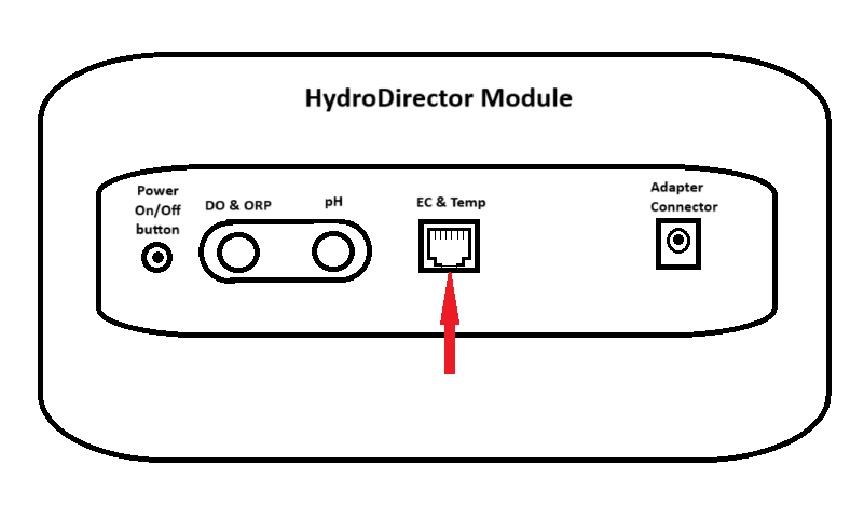
Connect sensors first, then power the module.
Insert the sensor adapter into the square slot under the label “EC & Temp”.
Calibration
Prepare the following before Sensor calibration:
● Paper towel,
● Distilled water,
● 1.4 μS/cm calibration buffer (1.4 EC) or 2.7 μS/cm (2.7 EC)
● EC Sensor.
Note:
Do not touch the Sensor head because it is very sensitive.
Valid Calibration Period Days: 42.
Calibration Time in Seconds: 120.
To perform EC calibration, please, follow these steps:
- Tap the Recalibrate button. The following screen appears:
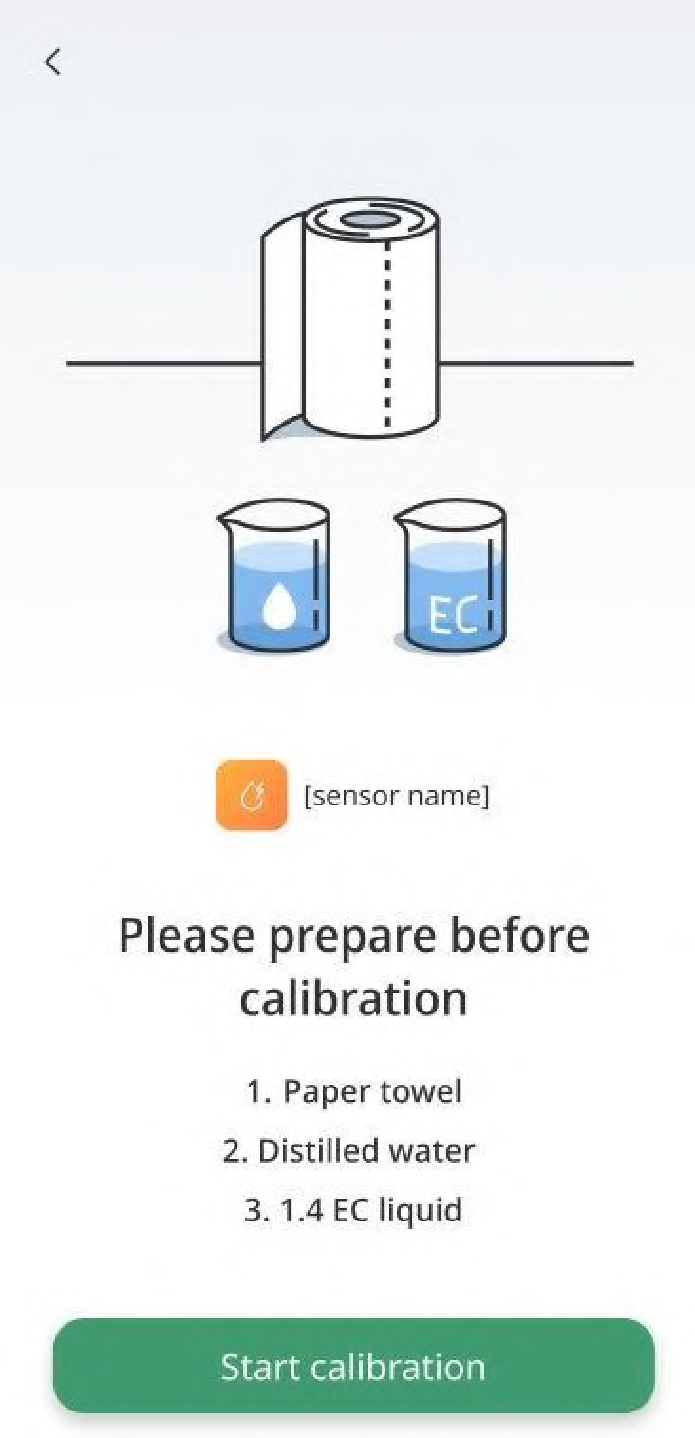
- Tap the Start calibration button. The following screen appears:
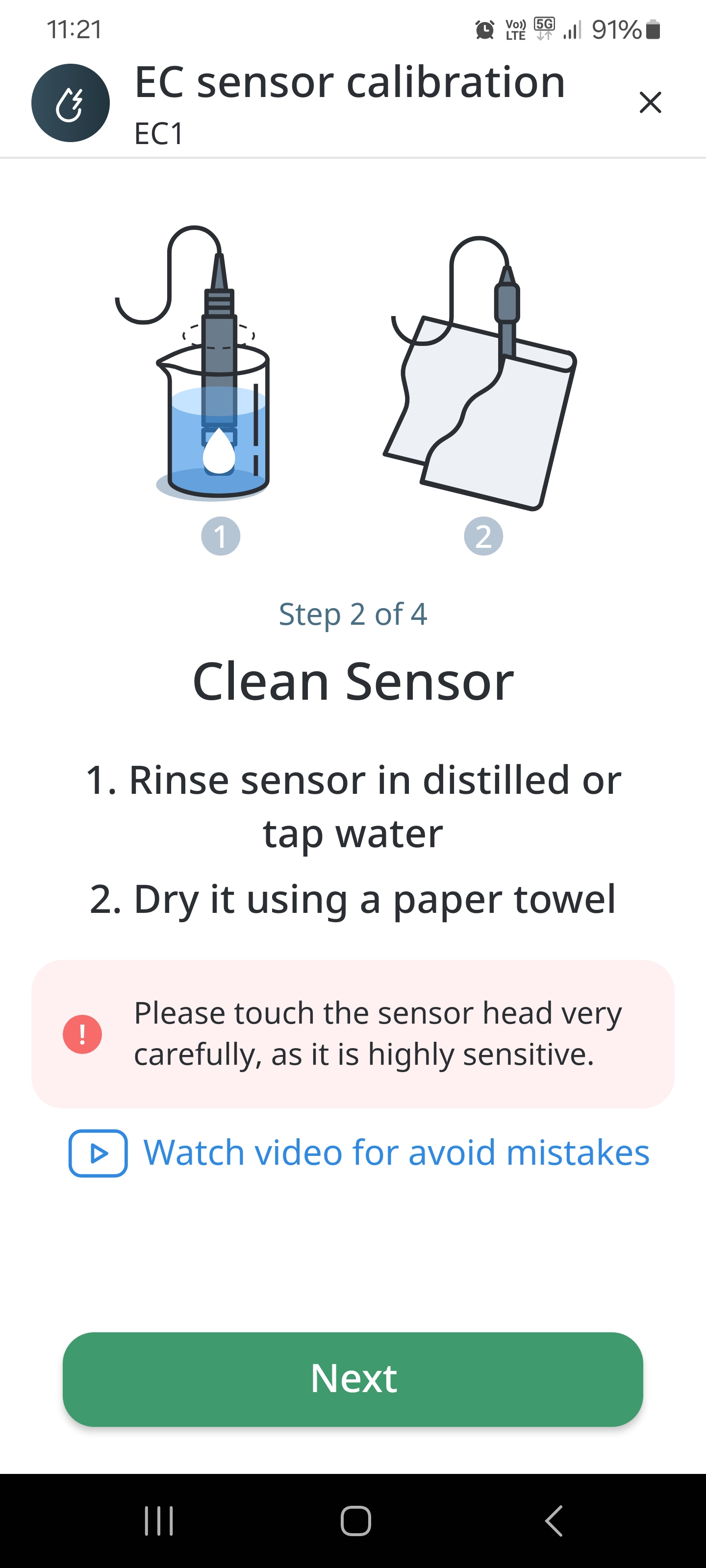
- Prepare EC Sensor. Make sure that the Sensor is clean.
● Clean your Sensor with distilled water.
● Pull it out and shake to move out water drops.
● Use an absorbent paper towel to clean it up. Do not touch the Sensor head
because it is very sensitive.
- Keep sensor in air and then press “calibrate” button.
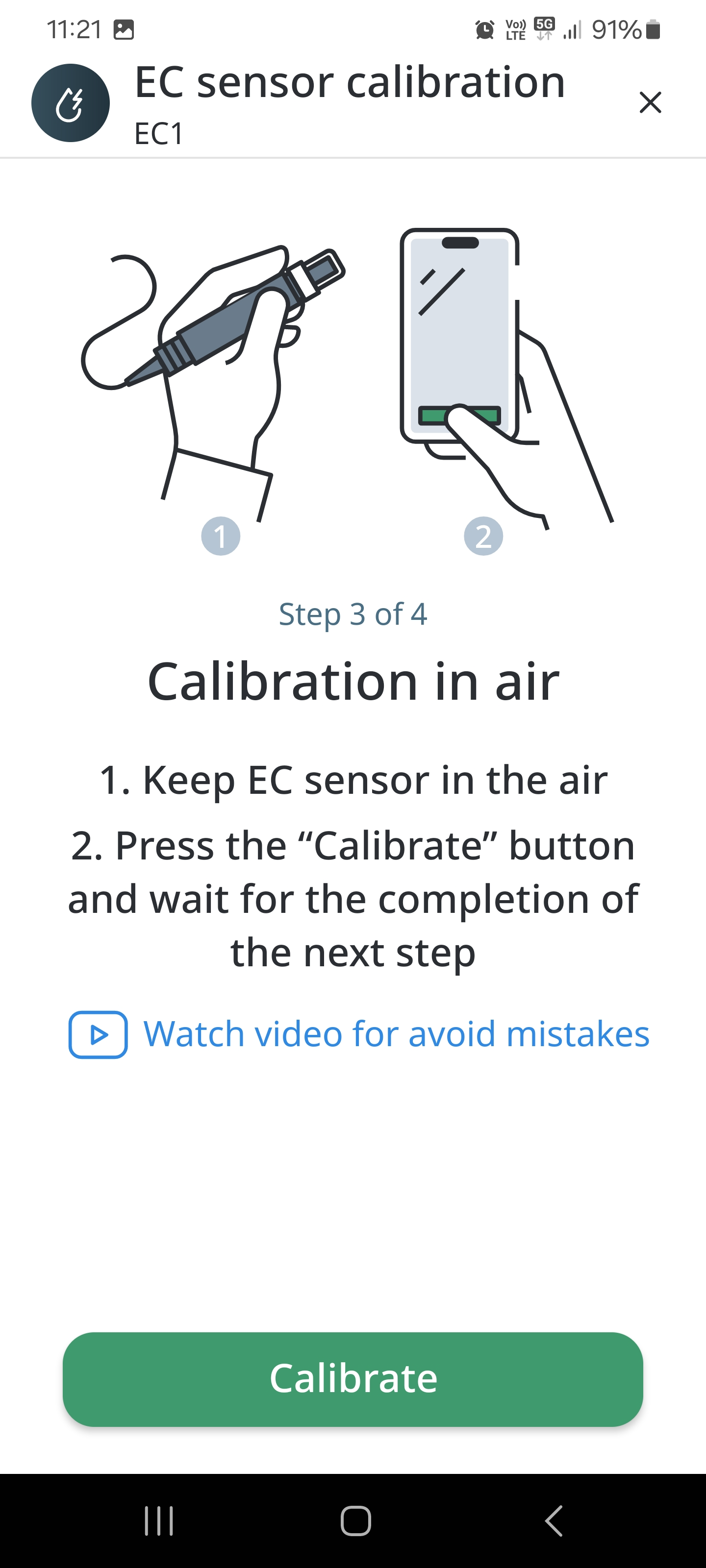
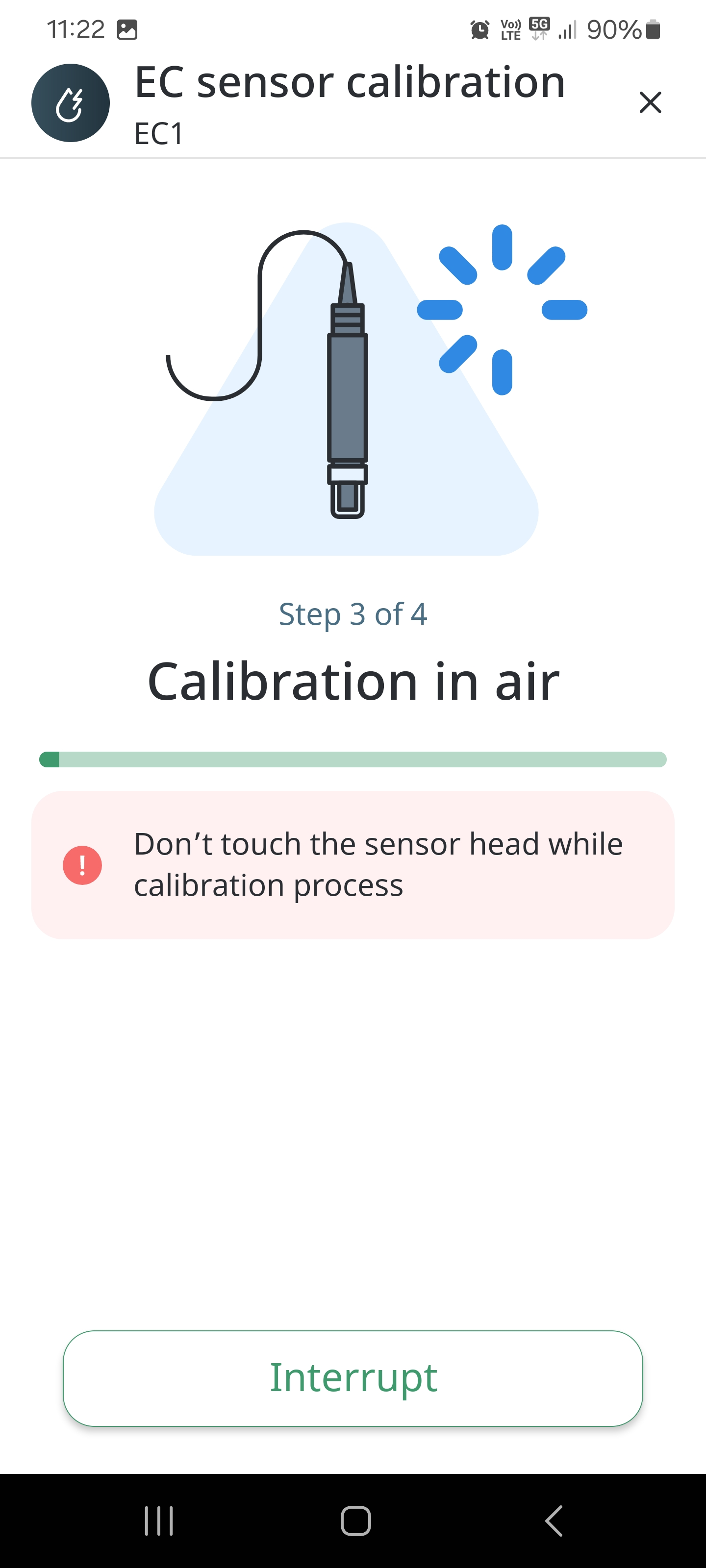
- Tap the Next button, choose calibration liquid (1.4 or 2.7) and then press “calibrate” button. The following screen appears:
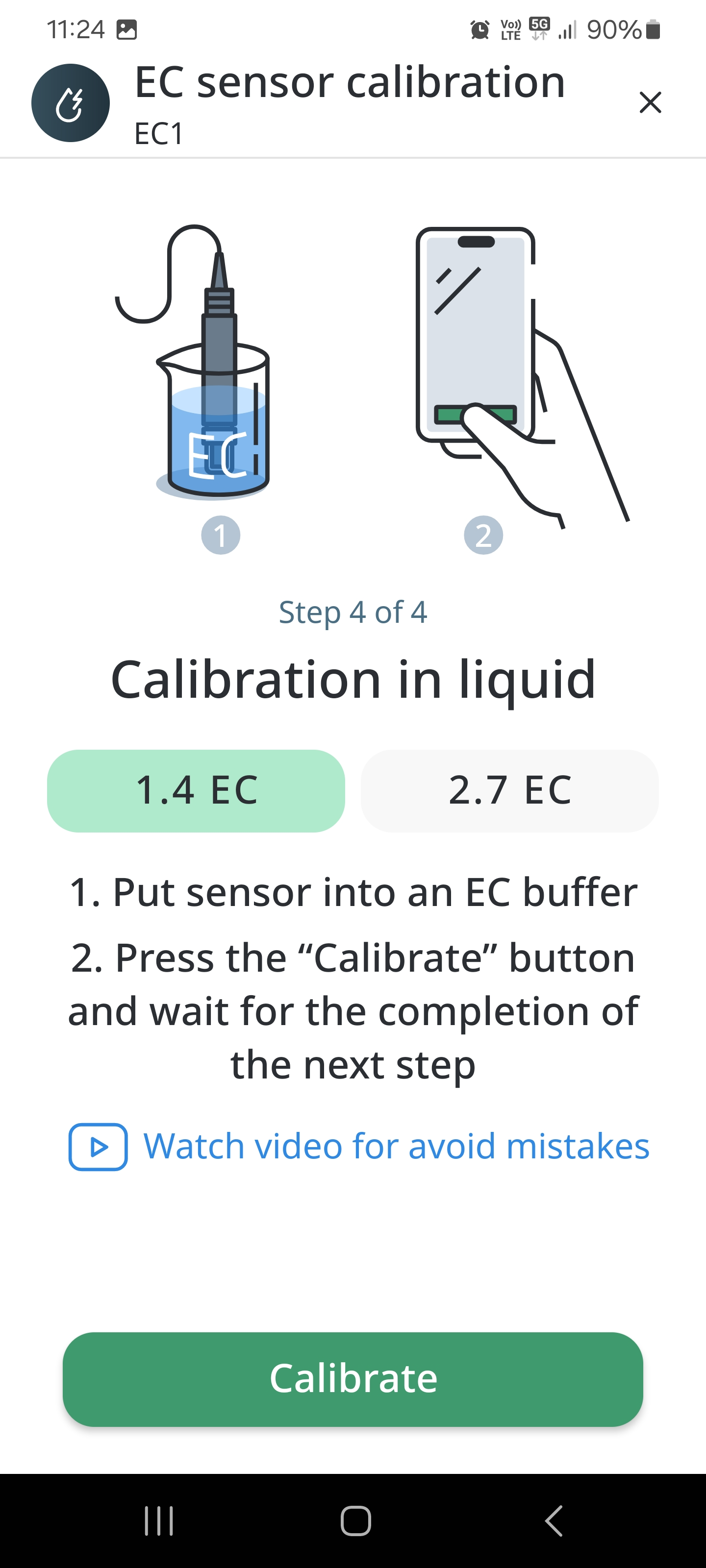
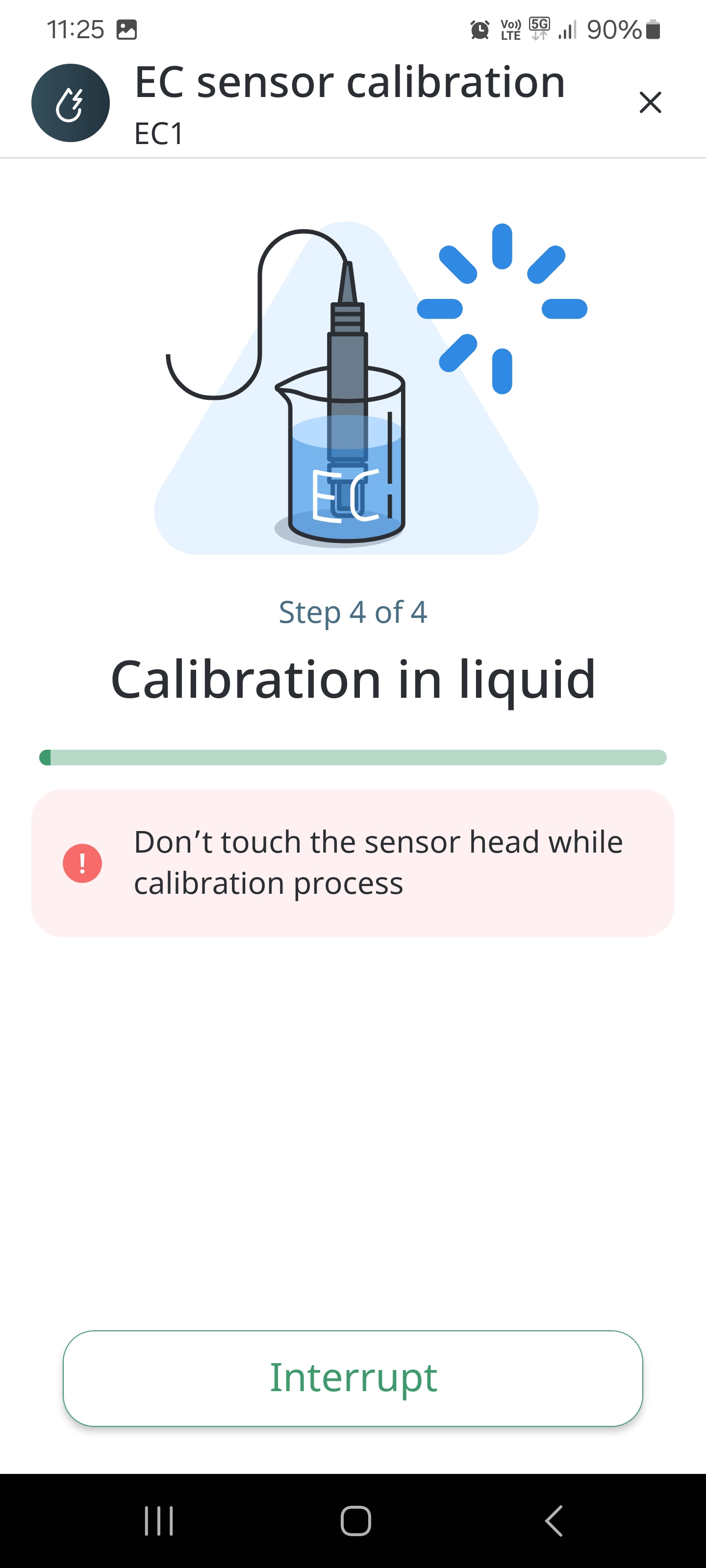
- Prepare 1.4 EC or 2.7 EC buffer and dip EC Sensor into it and tap the Calibrate EC button.
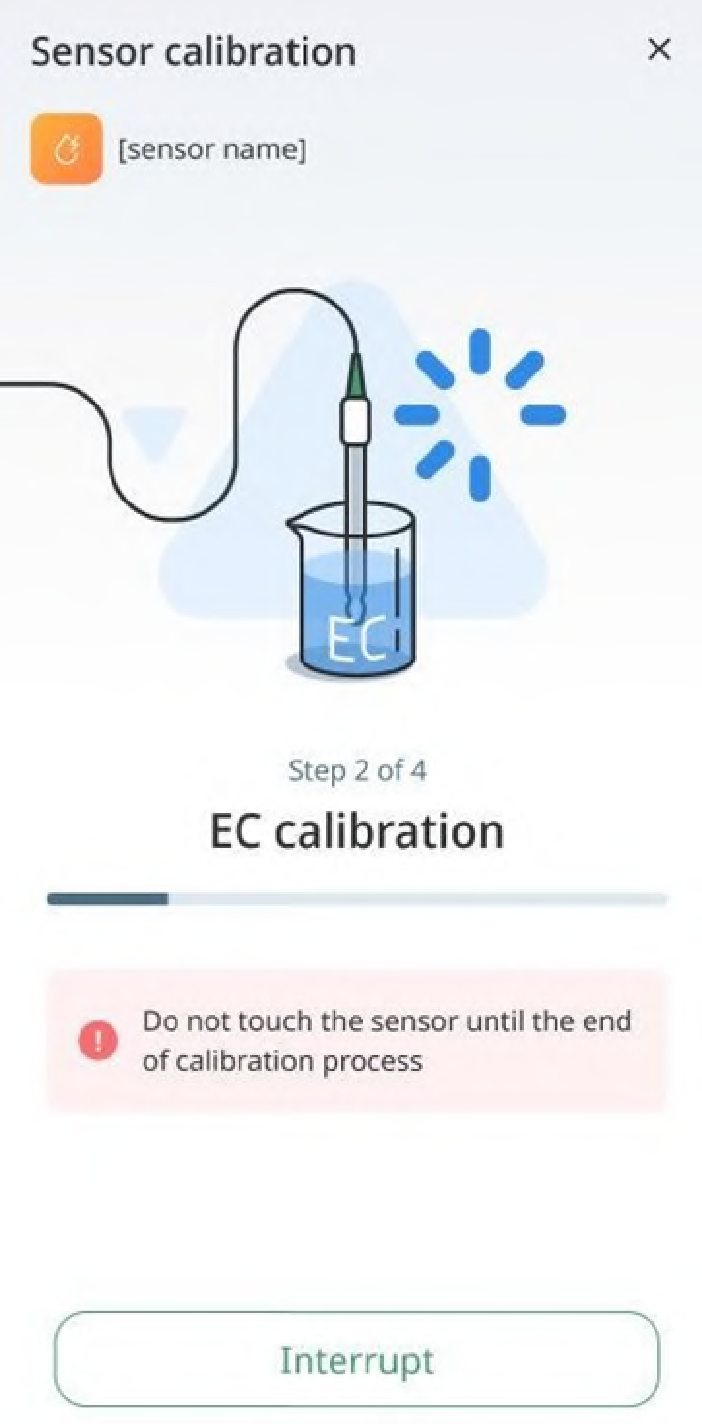
● There might be cases when you may want to interrupt the calibration process. To do so, tap the Interrupt button:
● If the calibration does not complete because of any reason, you will be prompted to retry. To do so, tap the Try Again button:
- When the calibration is over, the following message appears: Sensor has been successfully calibrated!:
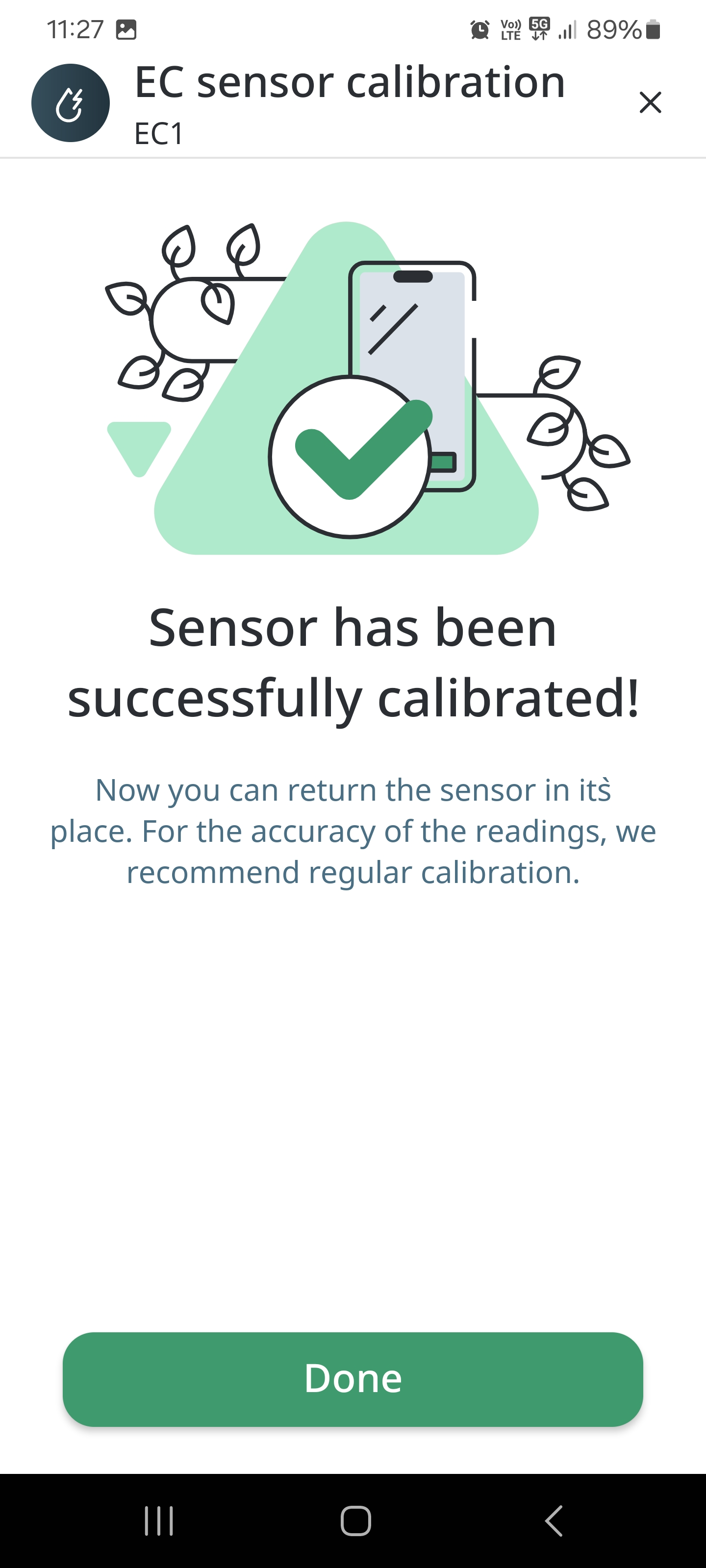
- Now you can use your Sensor.